
Verified Cards
Anyone can edit a screenshot. A Verified by Stax card is a trade the server itself pulled from your broker and cryptographically signed.
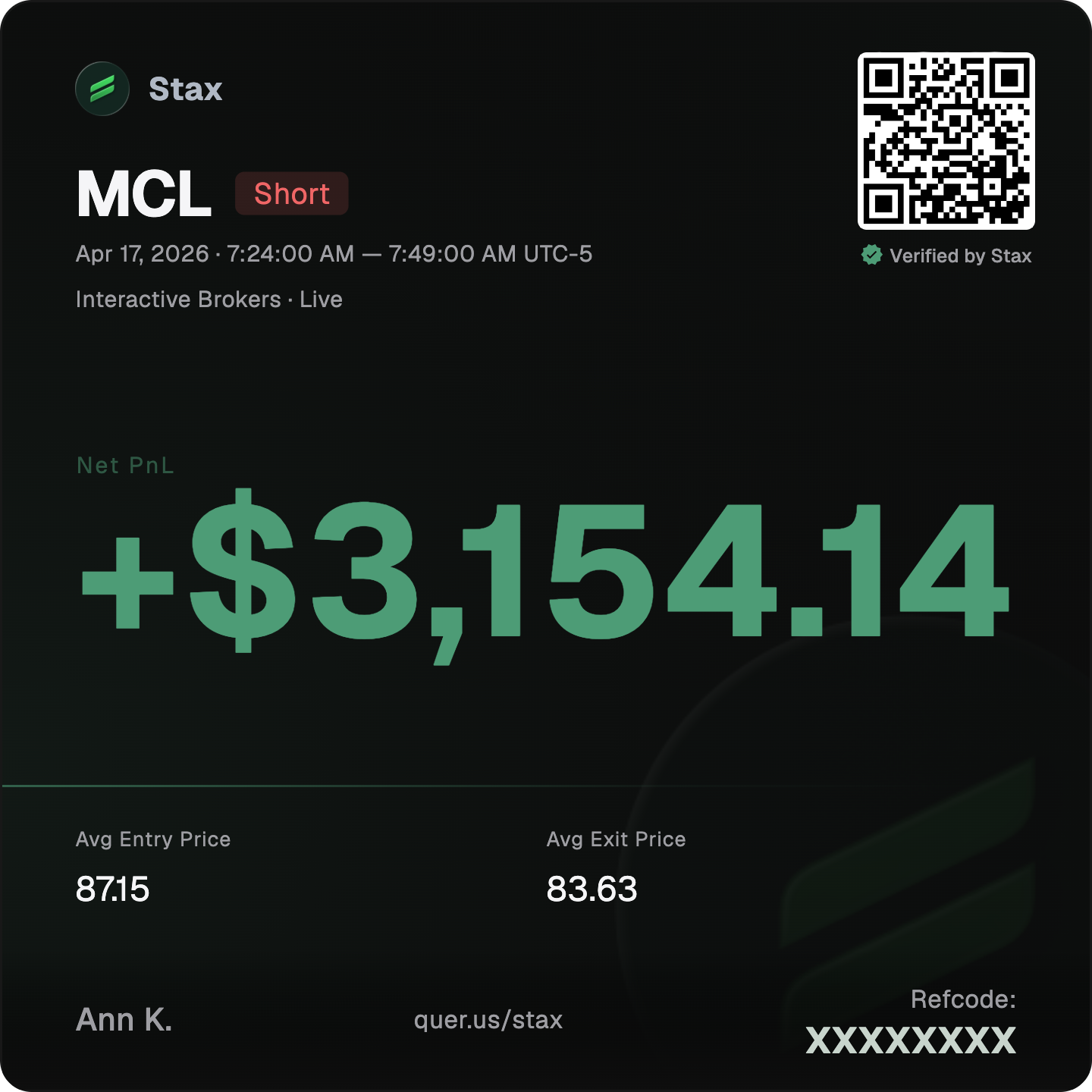
Trading proof has a credibility problem. A screenshot proves nothing — it can be edited in a minute. Verified Cards fix that with proof over Photoshop: trades synced from a connected broker carry a Verified by Stax seal, because the server fetched the fills and signed them. Every card ships with a scannable QR and your referral code built in.
A seal a server signed
Turn any trade into a clean, shareable card. When the trade was synced straight from a connected broker, it carries a Verified by Stax seal — top-right, above a QR that links to a public share page.
The seal is not decoration. It means the server pulled that trade from your broker and cryptographically signed it. Scan the QR and you land on the public page anyone can check — real fills, not an edited screenshot.
- Verified by Stax badge, top-right on the card
- Scannable QR to a public share page
- Server-pulled and server-signed from your broker
Three trust states, never blurred
A trade is exactly one of three states. The system refuses to label history it cannot re-verify as verified — that honesty is the point.
Historical trades carry a plain disclaimer: Imported broker history — recorded before verification or older than your broker's data window. Genuine, but can't be re-verified. Split or merged trades stay verified only if every underlying fill is broker-signed, and the Fills panel shows an X/Y broker-verified count so nothing is hidden.
| State | What it means | Can claim verified? |
|---|---|---|
| Verified | Server fetched it from your broker and cryptographically signed it | Yes |
| Historical | Genuine broker history that can't be re-verified — recorded before verification, or older than your broker's data window | No |
| None | Manual or CSV entry — no verification claim | No |
One button, the truth either way
Share a trade and the dialog adapts to its state. When the trade is verified, the button reads Save Verified Card. Otherwise it reads Save as PNG — same clean card, no false claim.
Either way you get an exported PNG with the QR baked in. The Fills panel keeps you honest by counting how many underlying fills are broker-verified.
Your referral code, built in
Every card carries your referral code, so a card you post is a card that brings new traders back to you. Proof and growth in the same image.
The trust row says it plainly.
- Tamper-proof QR verification
- Real fills — not edited screenshots
- Your referral code built in
Frequently asked
What does 'Verified by Stax' actually mean?
The server fetched that trade from your broker and cryptographically signed it. Only those trades may claim verified. It is not a label you can apply to a screenshot.
Why is my older trade marked Historical, not Verified?
It is genuine broker history that can't be re-verified — either recorded before verification, or older than your broker's data window. It is shown honestly, never as verified.
Can I verify a manual or CSV trade?
No. Manual and CSV entries are in the None state and make no verification claim. Verification requires the server to pull the fills from a connected broker.
Do split or merged trades stay verified?
Yes, but only if every underlying fill is broker-signed. The Fills panel shows an X/Y broker-verified count so you can see exactly what is covered.
What does the share button say?
Save Verified Card when the trade is verified, otherwise Save as PNG. Both export a PNG with the QR built in.
Share trades people can actually trust
Connect a broker and turn real fills into Verified by Stax cards. Free to start, local-first, on macOS and Windows.